
Study Reminders for Students: Never Miss a Deadline
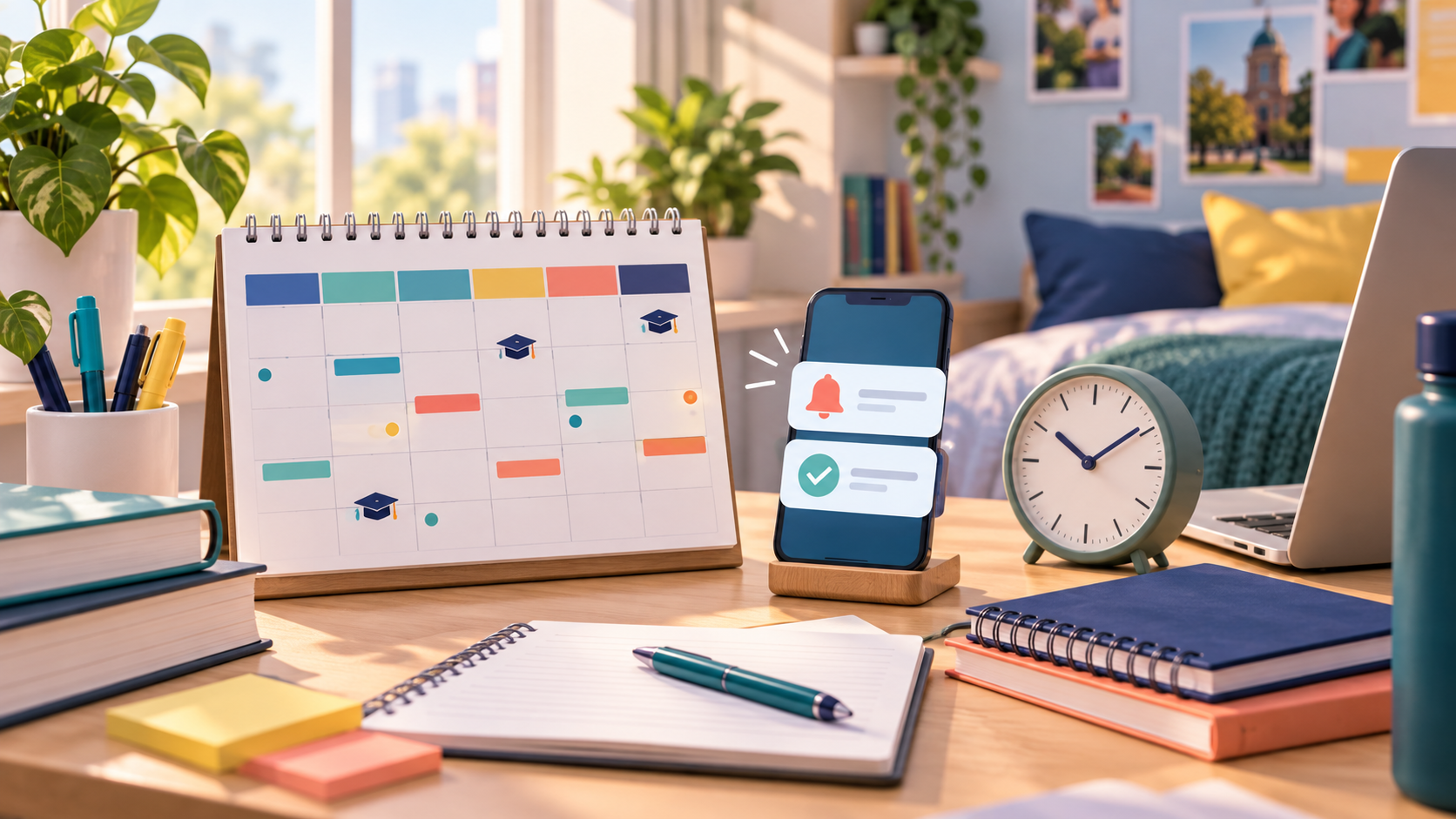
A simple reminder system can help you remember homework, revision, classes, and exam dates without filling your phone with noise. Learn what to remind yourself about, when to set alerts, and how to connect reminders with a real study plan.
Missing one deadline can make an entire week feel harder than it needs to be. You remember the assignment, but only after dinner. You plan to revise, but the exam date stays in the back of your mind instead of on your schedule. Study reminders for students solve this small but important problem: they move important dates out of your memory and into a system you can trust.
The goal is not to receive alerts every few minutes. Too many notifications become background noise, and you start ignoring all of them. A good reminder system is quiet most of the time and clear when something needs your attention. This guide explains how to set study reminders for homework, exams, classes, and planned study sessions.
What Are Study Reminders?
A study reminder is an alert that tells you about an academic task or study activity at a useful time. It may remind you that an assignment is due tomorrow, that a revision block starts in 30 minutes, or that an exam is getting close. The best reminders are connected to a date, a task, and a clear next action.
A reminder is different from a full study plan. A plan decides what you will do and when you will do it. A reminder helps you notice that plan at the right moment. You need both. If you only set alerts without deciding the work, your phone may remind you about a vague goal like “study more.” That is not very helpful.
Why Students Miss Deadlines
Students often miss academic deadlines for ordinary reasons. Several assignments may have similar names. A teacher may move a due date. An exam may be weeks away, so it does not feel urgent yet. You may also have classes, part-time work, travel, family responsibilities, and other tasks competing for attention.
Writing everything in one notebook helps, but a notebook cannot always remind you when you are away from it. A digital student deadline tracker can keep upcoming work visible across your day. It also gives you a place to break a large task into smaller reminders, such as choose a topic, find sources, make an outline, write a draft, and proofread.
What Should You Set Reminders For?
Start with the events that cause the most stress when you forget them. These usually include:
• Homework and assignments with a fixed due date.
• Exams, quizzes, presentations, and application deadlines.
• Revision sessions for difficult subjects.
• Reading, problem sets, lab preparation, and project milestones.
• Classes, office hours, tutoring, and group study sessions.
• The date when you need to start a long task, not only the final deadline.
Do not create a reminder for every tiny action. If a task takes two minutes, add it to your to-do list. Use reminders for events that need advance attention or that are easy to overlook.
A Simple Reminder System for Students
You can build a useful system in five steps. First, collect every known deadline in one place. Check your course pages, syllabus, class messages, and notebook. Second, label each item with a subject so you can see which course it belongs to. Third, turn large assignments into smaller steps. Fourth, choose reminder times based on how early you need to act. Fifth, review the list once a week and remove anything that is finished.
For example, imagine a history essay due on Friday. A weak system creates one alert on Friday morning. A stronger system creates a topic reminder two weeks before, a source reminder ten days before, an outline reminder one week before, a first-draft reminder four days before, and a final check reminder the day before. Each alert points to a real action.
When Should You Set a Homework Reminder?
A homework reminder should give you enough time to finish the work without turning every evening into a panic session. For a short assignment, a reminder on the day before may be enough. For a reading task or problem set, you might want an alert two or three days before. For a report, presentation, or group project, create several milestone reminders over the weeks before it is due.
Use a second alert on the due date only when the task is important or easy to forget. The first reminder should tell you to work. The final reminder should tell you to submit, pack, or check the required format. “Finish homework” is less useful than “submit biology lab report before 6 p.m.”
How to Use Exam Study Reminders
Exam reminders should begin before the exam becomes urgent. Add the exam date first, then decide when revision should start. Work backward from the exam and divide the material into topics. Set reminders for learning new material, practising questions, checking mistakes, and doing a final review.
A simple exam sequence might look like this:
• Three weeks before: list the topics and find weak areas.
• Two weeks before: finish the first pass through all major topics.
• One week before: practise questions and review mistakes.
• Two days before: do a short mixed review and prepare what you need.
• The evening before: stop heavy studying, pack your materials, and sleep.
The exact schedule depends on the subject and the amount of material. The useful idea is to use reminders for actions, not just for the exam date.
How Many Reminders Are Too Many?
If you dismiss most of your alerts without acting, the system is too noisy. Start by looking at which reminders you ignore. Maybe they arrive while you are in class, during work, or when you do not have the materials you need. Move them to a time when you can actually respond.
You can also combine small tasks into one focused block. Instead of separate notifications for “open notes,” “read chapter,” and “write questions,” create one reminder called “biology revision block.” Keep the steps in your task list. Your reminder should be a helpful doorway into the work, not a list of every click.
Use Different Times for Different Tasks
A useful study schedule notification matches the task. A planning reminder can arrive in the morning. A deep-work reminder should appear when you have a quiet block and your materials are ready. A deadline warning should arrive early enough for you to make a change.
Try three timing rules. Use an early reminder for work that takes more than one session. Use a same-day reminder for a short action with a clear finish. Use a final check reminder for submission, travel, equipment, or exam materials. If you study best at a certain time, place difficult tasks in that window and set the alert shortly before it begins.
Connect Reminders to a Study Planner
Reminders work better when they are connected to your study planner. Put the deadline in the planner, break it into tasks, schedule study blocks, and then add a reminder for the start of each important block. This gives you a complete path from “something is due” to “here is what I should do now.”
When a plan changes, update the reminder too. A missed session should not leave you with an alert for work that is no longer possible. Move the task to a realistic time and protect the rest of your schedule. A flexible reminder system helps you recover instead of making you feel guilty.
Study Reminders for College Students
College students often manage changing class times, multiple course websites, group projects, and work outside school. Use subject labels and one weekly review to keep the system simple. At the start of the week, look at every deadline and choose the two or three tasks that need early attention. At the end of the week, check what moved, what finished, and what needs a new date.
If you use a calendar, keep fixed events such as classes and exams there. Keep actions such as “solve practice set” or “draft presentation slides” in your task list. Connect the two when possible, but do not turn your calendar into a wall of tiny tasks. You should be able to see the shape of your week at a glance.
A Reminder Routine You Can Start Today
Spend ten minutes collecting upcoming work. Add each assignment, exam, and study session with a date. Choose one subject label for each item. Break the largest task into two or three milestones. Set one early reminder and one final check reminder for the most important deadline. Then choose a small study block for tomorrow and set an alert for it.
At the end of tomorrow’s session, decide whether the reminder arrived at a useful time. Adjust it if needed. This small test is better than trying to design a perfect system in one sitting.
Study Reminder FAQs
What is the best study reminder app for students?
The best app is one that lets you record tasks, dates, subjects, and useful alerts without making the system hard to maintain. A simple tool you open every day is usually better than a powerful tool you avoid.
How far in advance should I set an assignment reminder?
Set it based on the size of the work. A short task may need a day or two. An essay, project, or presentation usually needs several milestone reminders spread across one or more weeks.
Should I set reminders for every study session?
Set reminders for sessions that are important, unusual, or easy to miss. If you use the same daily routine, a repeating schedule may work better than many separate alerts.
How do I stop ignoring study reminders?
Reduce the number of alerts, use clear action-based wording, and choose times when you can actually begin. Review and delete reminders as soon as the task is finished.
Can reminders help with exam revision?
Yes. Add the exam date, divide the material into topics, and use reminders for learning, practice, mistake review, and final preparation. Reminders are most useful when each one points to a small action.
Final Thoughts
Study reminders are not a replacement for effort, and they should not make your day feel controlled by notifications. Their job is simple: help you remember the work before it becomes urgent. Keep one list of deadlines, break large tasks into steps, choose realistic times, and review your system each week. With that structure, your future self gets fewer surprises and more time to do good work.
Related AcademyNC tools
Open study reminders for students