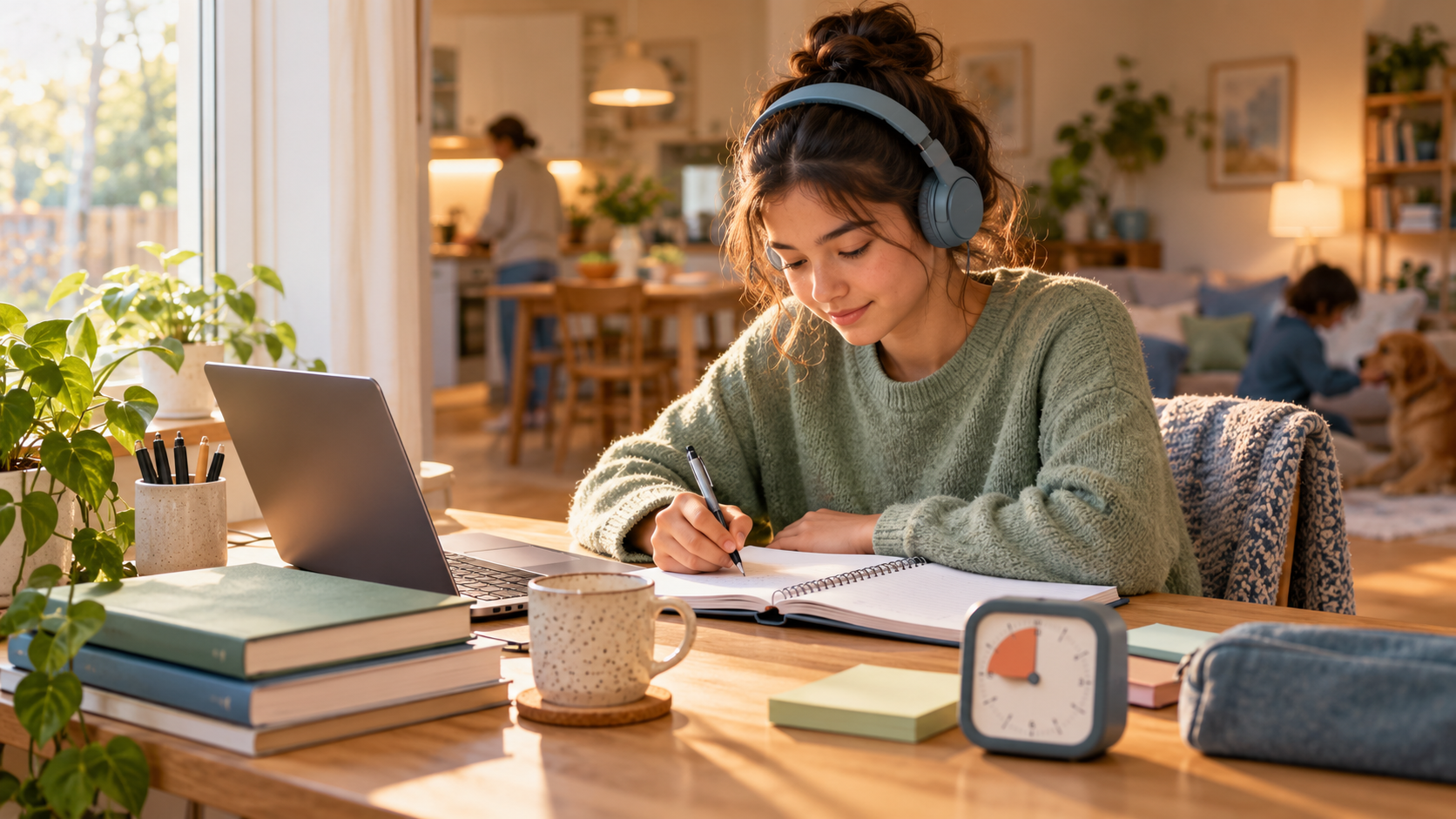
Study With Me Without a Camera: 8 Ways to Focus Online
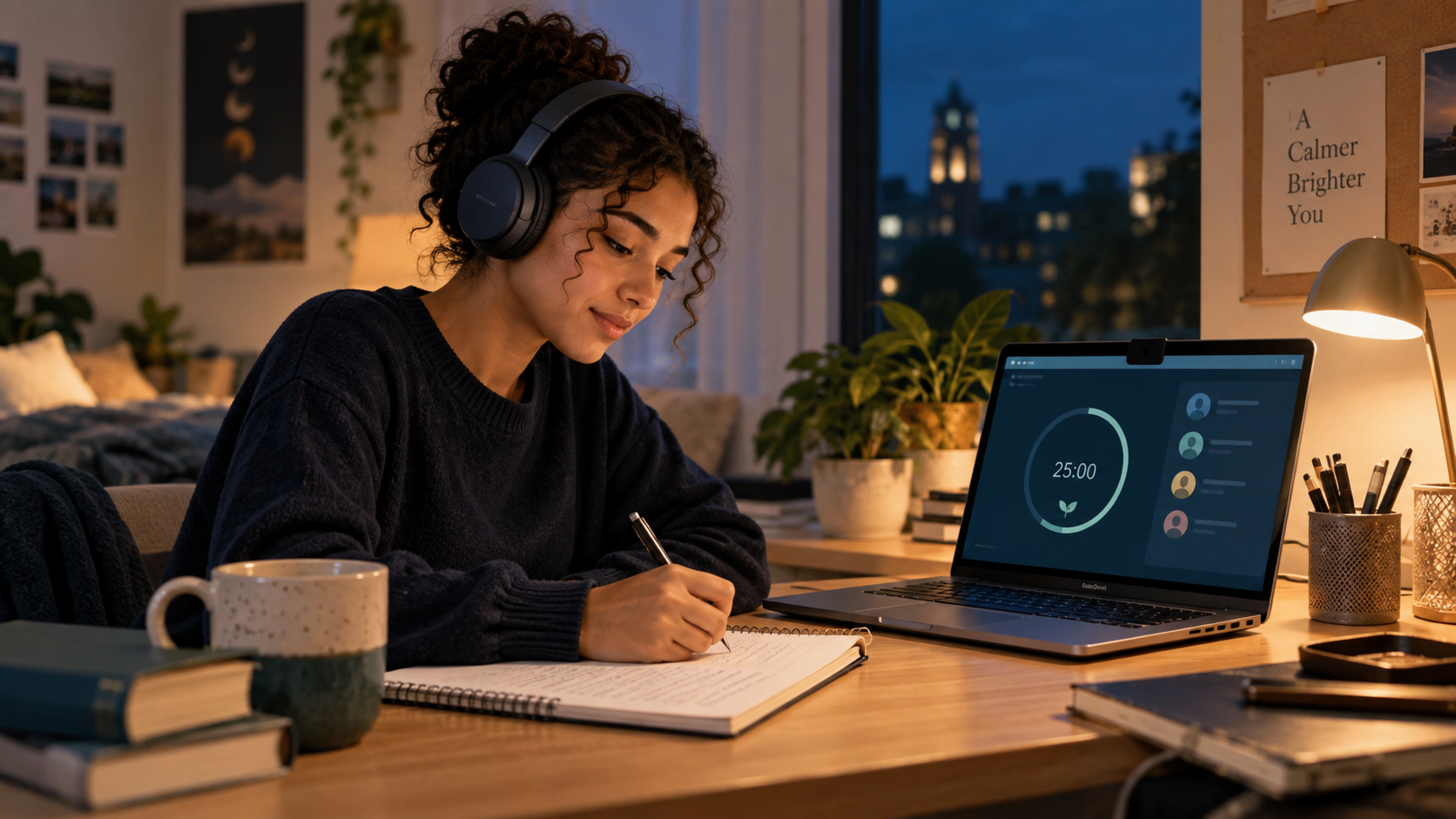
Want the accountability of studying with others without appearing on video? Learn how camera-free study rooms work, how to protect privacy, and how to stay focused online.
Online study room etiquette matters even when your camera is off. Camera-free study sessions give you the accountability of working alongside other people without requiring video, conversation, or a perfectly arranged room. For many students, that lower-pressure format makes it easier to begin, protect privacy, and return to a focus habit.
A study-with-me session does not need to look like a video call. You can join a quiet virtual room, set a goal, follow a timer, and work on your own task while other students do the same. This guide explains how to study with others online without a camera and still make the session genuinely useful.
What does studying with me without a camera mean?
A camera-free study session is a shared online focus block where video is optional or unavailable. You may see a room name, participant count, goal board, timer, or simple status indicator, but you do not have to show your face or your surroundings. Depending on the platform, you can keep your microphone muted and use chat only during breaks.
The method is similar to studying in a library. Other people create a sense of shared purpose, while each person completes an individual task. You are not expected to teach, socialise, or perform for the group during the focus block.
Why choose a camera-free study room?
Privacy is the most obvious reason. Your bedroom, family members, roommates, documents, and daily routine do not need to appear on screen. A camera-free format is also useful when you are studying in a shared space, travelling, tired, or simply not comfortable being visible to strangers.
Lower social pressure can improve consistency. Turning on a camera, introducing yourself, and maintaining a video presence can feel like extra work before studying even begins. Removing that friction lets you join quickly and focus on the task rather than how you look on screen.
Camera-free rooms can also be more accessible. Students with limited bandwidth, older devices, noisy surroundings, or different comfort levels can participate without treating video as a requirement. The important part is the shared commitment to work, not the amount of personal information you reveal.
Eight ways to make a camera-free study session work
1. Write one specific goal before you join
Do not enter a room with a vague plan such as “study biology.” Choose an outcome you can recognise: complete ten practice questions, summarise two pages, review 30 flashcards, or draft the introduction to an essay. A visible goal gives the timer a purpose and makes the end-of-session check-in meaningful.
2. Pick the right room format
Choose a silent room for reading, problem sets, writing, or flashcards. Choose a discussion room when you need to explain concepts or ask questions. If you want quiet accountability but occasional support, use a room that keeps chat available while protecting the focus block from constant messages.
3. Use a timer that everyone understands
A timer creates a clear beginning and end even when nobody is on camera. Try 25 minutes of focus followed by a 5-minute break when you are building momentum. Use 50/10 for longer practice work. After three or four cycles, take a longer break away from the screen.
The timer is a boundary, not a test of endurance. If you are tired or starting a difficult assignment, a shorter block that you actually complete is more useful than an ambitious block you abandon.
4. Keep your microphone and notifications under control
Camera-free does not have to mean noisy. Mute your microphone, silence unrelated notifications, and close extra tabs before the focus block begins. If you need audio for a lecture or language exercise, use headphones and choose a room that allows independent work.
5. Use chat for check-ins, not constant conversation
Chat can support accountability without becoming another distraction. Post your goal at the start, ask a focused question during a planned break, and share what you completed at the end. If a message is not urgent or useful to the session, save it for later.
6. Protect private information
A camera-free room is not automatically a private room. Do not share your phone number, school records, passwords, personal messages, or private documents. Use a nickname if the platform allows it, review the room’s privacy settings, and leave if another participant ignores clear boundaries.
7. Make the room easy to return to
Consistency comes from reducing setup time. Keep your study materials in one folder, use the same timer pattern for a week, and write tomorrow’s first task before you leave today’s session. A familiar ritual makes the next session easier to start.
8. End with a short progress note
When the timer ends, write one sentence about what changed: “I finished the problem set,” “I found three gaps,” or “I need another block for the final section.” This closes the loop and helps you choose the next task instead of reopening your notes without a plan.
Camera off versus microphone off
These settings solve different problems. Turning off your camera protects visual privacy and removes the pressure to be on screen. Muting your microphone protects the room from background noise and prevents casual interruptions. Many productive sessions use both settings, but neither is a substitute for a clear goal and a reasonable focus block.
If you want some human presence, you can keep a small participant list or progress indicator visible while leaving video disabled. If even that is distracting, choose a room with minimal visual activity and rely on the timer alone.
How to stay accountable without being watched
Accountability does not require surveillance. It can come from making a commitment visible, starting at a defined time, and returning to the same routine. Before the session, write what you will finish. During the session, keep one task open. Afterward, record what happened and decide whether the next block should continue the same task or switch to a new one.
A study partner can also help without seeing your face. Share a start message, work silently, and send a two-minute progress update when the timer ends. If you are studying with friends, agree that cameras are optional and that the focus block is not a social call.
Common problems and practical fixes
The room is too quiet and I still cannot start. Reduce the task to ten minutes. Write the first physical action, such as opening the lecture PDF, writing the first equation, or answering one flashcard. Starting is the goal of the first block.
The room is too distracting. Leave and choose a smaller or quieter room. Hide chat, mute notifications, and use a timer that does not require you to keep switching tabs. The right environment should make focus easier, not demand constant self-control.
I keep checking whether other people are working. Turn off participant activity if the platform allows it. Use the shared start time for accountability, then treat the focus block as private work. Other people are there to support your routine, not to become another feed to monitor.
I feel less motivated without video. Add a stronger commitment at the beginning: state your goal, choose a short deadline, or arrange a check-in with one study partner. If you prefer visible presence, try a camera-optional room where you can see activity without requiring everyone to appear on screen.
Who benefits most from a camera-free study room?
This format can help students who want quiet accountability, need privacy, have limited bandwidth, study in a shared room, or dislike being on camera. It can also suit anyone who wants the library effect without travelling. It is not the only effective format; some students prefer live discussion, visible body doubling, or a small group of classmates.
The best choice depends on the work. Use camera-free co-working for independent tasks. Use discussion when you need explanation and feedback. Use a private room with trusted friends when the task requires collaboration. You can switch formats across the same week.
FAQs
Can I study with strangers online without turning on my camera?
Yes. Many virtual study rooms are designed around optional video or no-video participation. Read the room rules, keep your microphone muted when required, and avoid sharing private information with people you do not know.
Is studying without a camera less effective?
Not automatically. A camera can create visible presence, but focus also comes from a clear task, a shared start time, a protected timer, and a useful end-of-session review. Choose the format that helps you return consistently and complete real work.
Should I use music in a camera-free study room?
Use whatever supports the task without competing for attention. Instrumental or ambient sound may help during repetitive work, while silence can be better for reading, writing, or difficult problem solving. Keep the volume low and avoid changing playlists during a focus block.
How long should a camera-free study session last?
Start with 25 minutes of focus and a 5-minute break if beginning feels difficult. Increase to 50/10 when you can sustain longer work. The most useful session is one that matches your energy and ends with a clear result.
A camera-free study room is a simple way to make online studying feel less isolated without giving up control over your privacy. Set one goal, choose a timer, keep communication intentional, and record your progress. When the routine is easy to enter and easy to repeat, you can build accountability around the work itself rather than around being visible on screen.